Feedback

freeTrialImage.bannerPity
freeTrialImage.upgradeUnlock
- ✓freeTrialImage.benefitHd
- ✓freeTrialImage.benefitWatermark
- ✓freeTrialImage.benefitUnlimited
Qwen Image 2.1 Image Generator
Instantly craft and refine visuals with Qwen Image 2.1 Image Generator — open-source 7B AI supporting transparency and 10 refs.
AI Tools
Explore AI tools
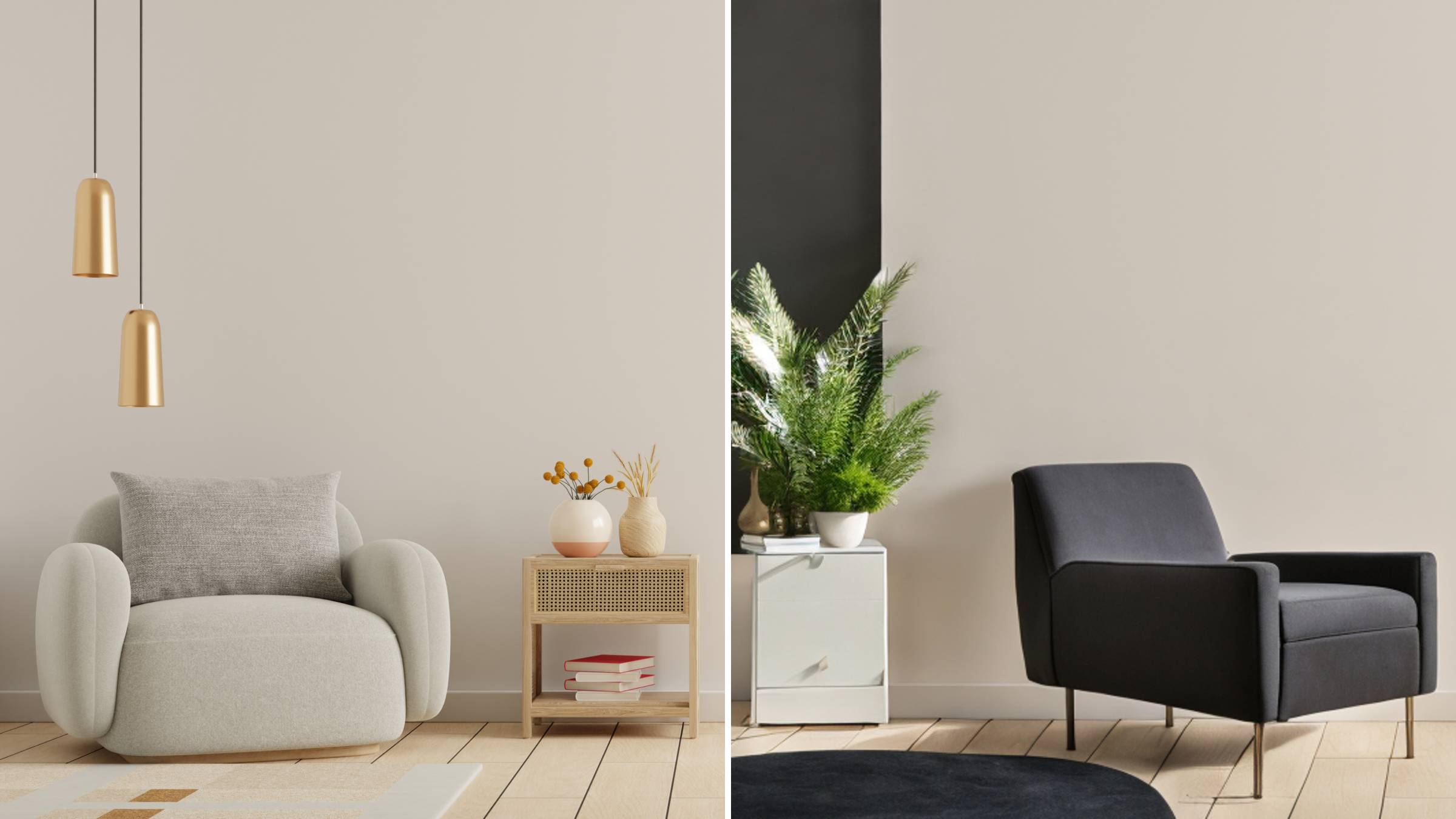
AI Room Designer
Design your dream room with AI-powered 3D rendering
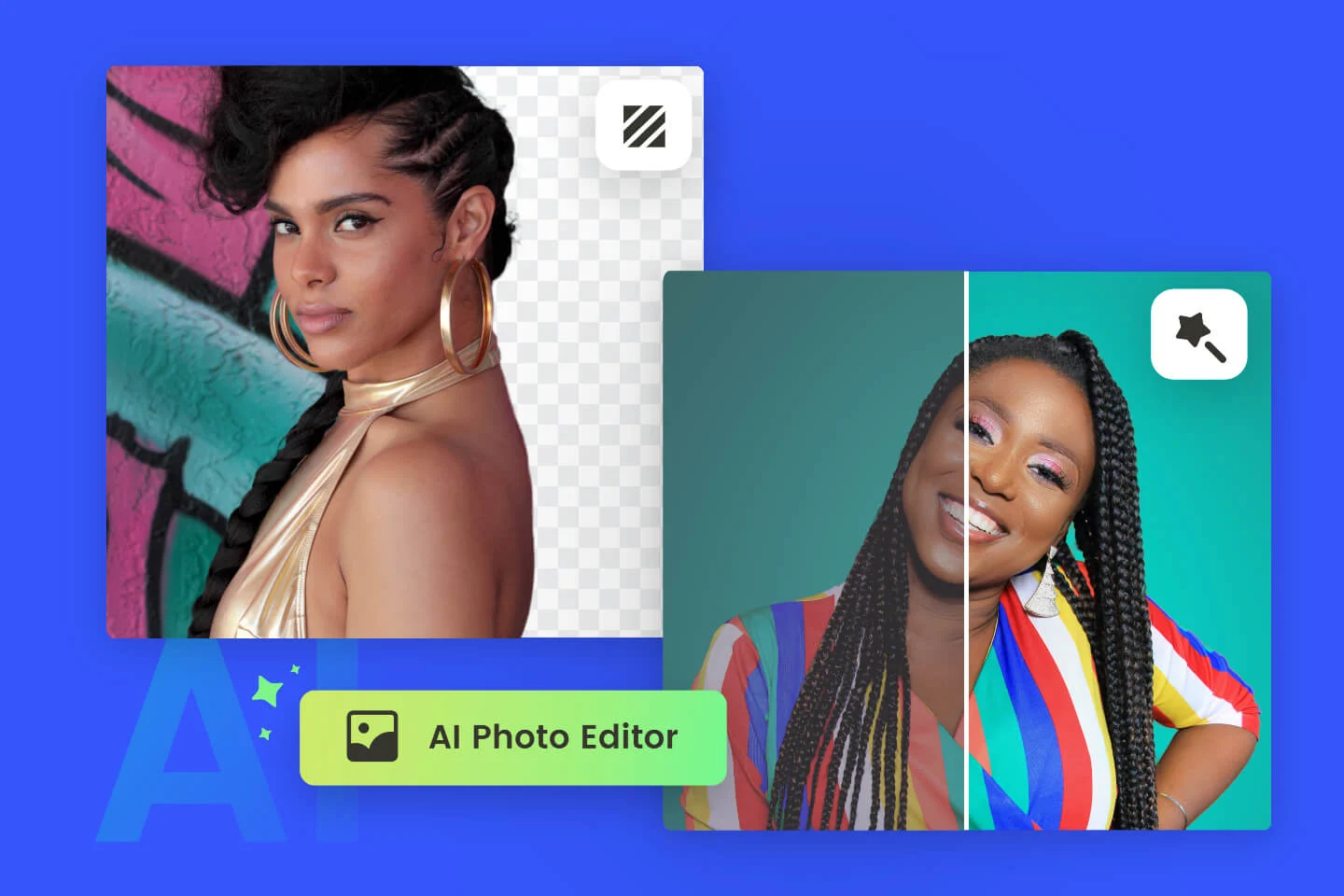
AI Image Editor
AI Photo Editor Online
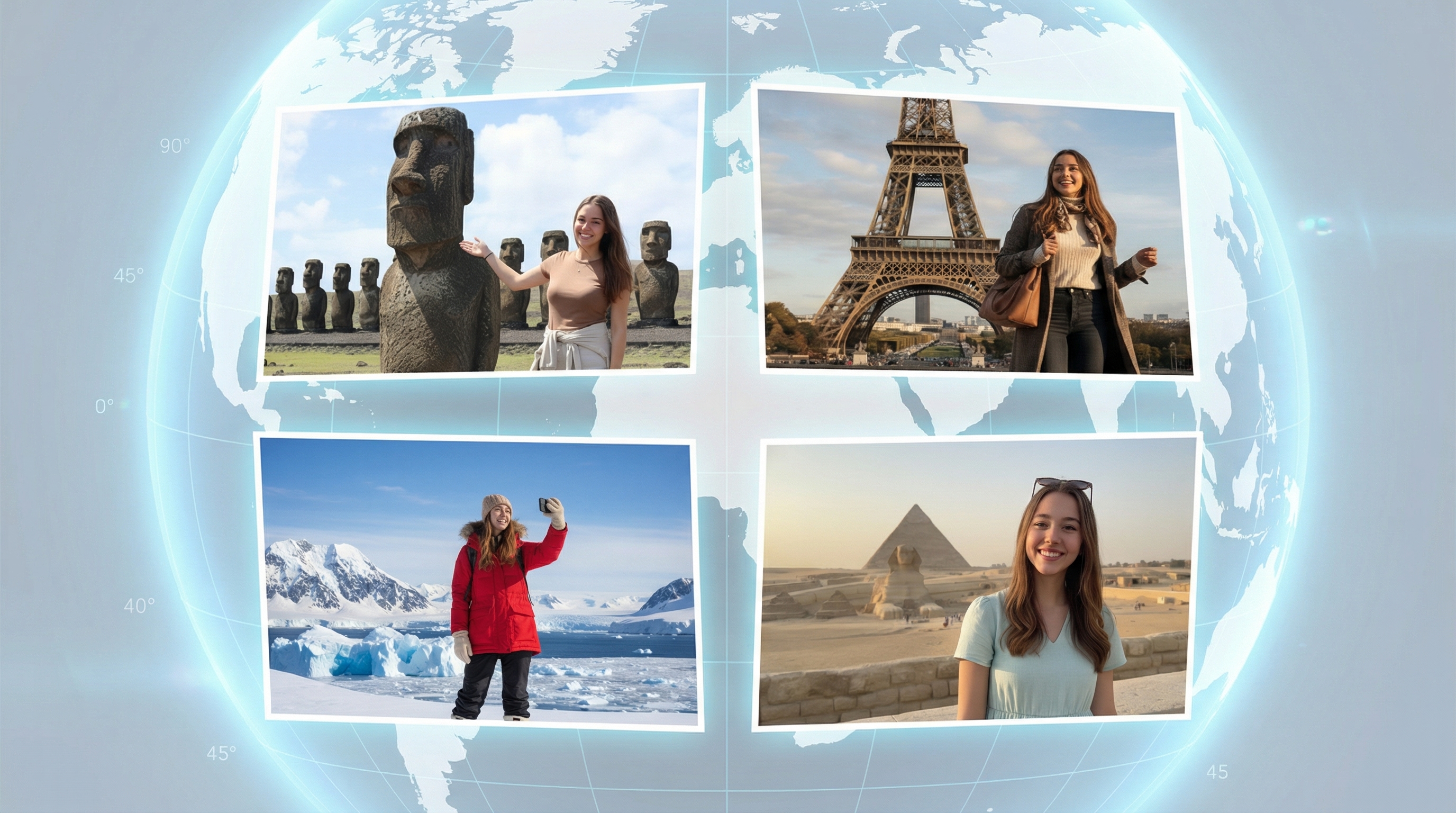
AI Travel Photo Maker
Turn map spot into travel photo
Image Upscaler
Enhance image resolution effortlessly
AI Background Change
Change image backgrounds instantly

Image Background Remove
Remove image backgrounds easily

AI Design Tools
Create stunning designs with AI
AI Clothes Changer

What Sets Qwen-Image-2.1 Apart
One open-source engine covers prompt-to-picture creation, built-in alpha transparency, and pixel-level retouching.
- Create and Retouch in One PlaceFresh visuals and adjustments to existing files both run inside the same model, so you never hop between separate apps.
- True Alpha ChannelsAsk for a plain frame or a PNG carrying transparency — the same system repaints inside transparent layers or isolates any subject into a clean RGBA cutout.
- Blend Up to 10 PhotosSupply a whole batch at once and the model knits them into one convincing frame: a team lineup, a full outfit set, or a staged interior.
How the Qwen-Image-2.1 Process Works
Prompt, supply inputs, then polish — the complete path from a blank idea to a refined, animated result.
Qwen-Image-2.1 Questions Answered
Straight answers on what Qwen-Image-2.1 generates, edits, and processes.
Does Qwen-Image-2.1 have an open-source release, and how large is it?
Yes — it ships openly licensed, with a compact 7B-parameter visual branch built from 32 Single-Stream DiT layers.
Can I make transparent PNGs with it?
Yes. Whether output carries transparency depends on your prompt, and the same system can paint into existing transparent layers or isolate a subject into an RGBA file.
What's the limit on reference photos per generation?
Each run accepts up to ten uploads — enough to merge several portraits into one ensemble or arrange ten decor shots into a complete interior.
How do I target a specific area for editing?
Mark the zone with colored circles, paint over it, or upload a dedicated mask image alongside the untouched source.
Does it keep faces and branding accurate?
Adjustments are tuned so a person's likeness stays stable, while product images retain logos, surface texture, and outline.
What bigger projects can it support?
Past simple tweaks, it expands a close-up selfie into a wide panorama, stretches a model shot into a detailed infographic, and converts a three-angle character sheet into a full storyboard.
Start Creating with Qwen Image 2.1 Image Generator
Generation, retouching, alpha transparency, up to 10 reference photos, and precise region edits — everything design, e-commerce, and visual storytelling need.